eSafety System Updates
Welcome to the place for news and updates about the eSafety system.
12 New Icons Available In Bundles
March 24, 2026
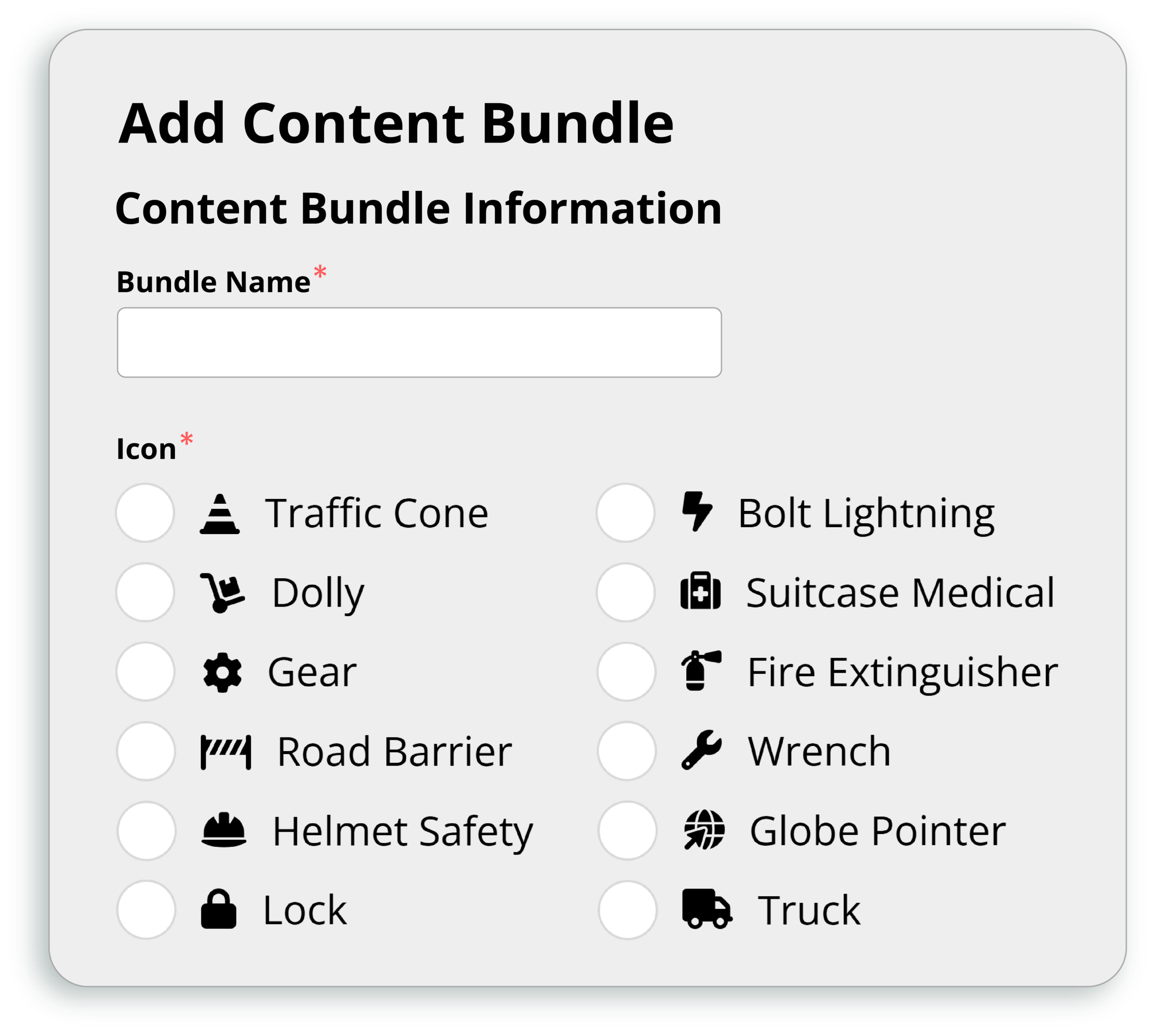
By popular request, we are excited to bring you 12 additional icons for your content bundles! We hope you find the full list of 24 small but mighty visuals helpful in managing your ongoing training.
Content bundles are a way to group content so they can be scheduled, tracked, and reported on together. Icons help differentiate bundles as seen in your lists.

Certificate Of Completion Export
February 20, 2026
You can now "Export Certificates of Completion" from the Reports area, giving you the ability to select multiple users and content to be downloaded together and delivered as a ZIP folder.
The ability to download a single certificate of completion is still available in both the User and Content areas under Records.
Completion Overview Customization
September 19, 2025
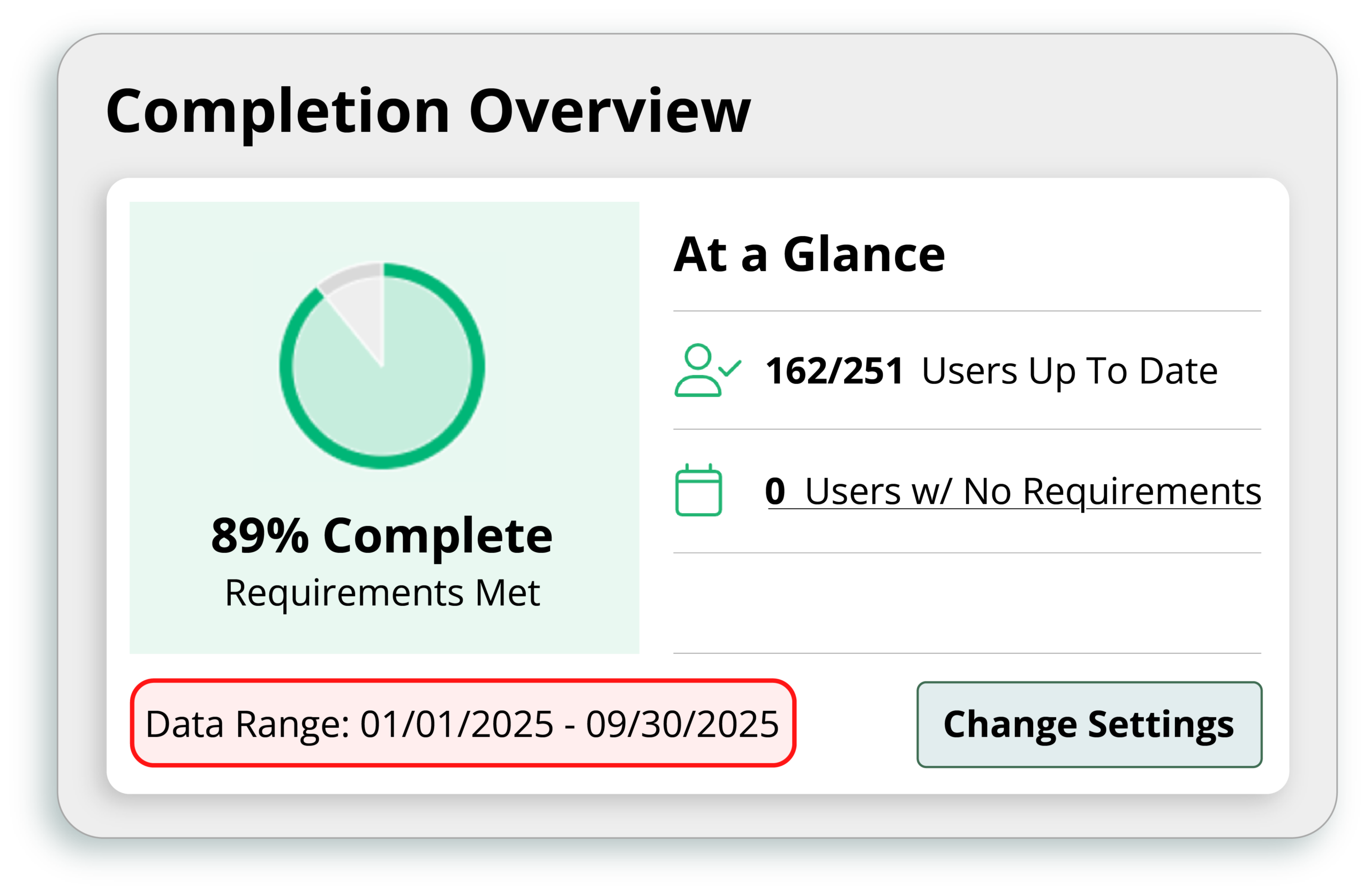
The Completion Overview area on your Administration Dashboard can now be customized, giving you a clearer picture of your current training progress.
Dashboards give you an instant, tailored snapshot of your training status. This feature enhancement does exactly that, letting you set the due date range that shapes the insights in your Completion Overview area.
V4 System Upgrade: New And Updated Features
We Upgraded with You in Mind. Here’s Why!
We are always looking for ways to improve our system and the features available, but sometimes the most important things aren’t what you see! We asked Jen, project lead for the V4 System Upgrade, to walk you through three of the big, behind-the-scenes reasons that make this upgrade a huge success for you and your training needs.
A Modern, Intuitive Dashboard
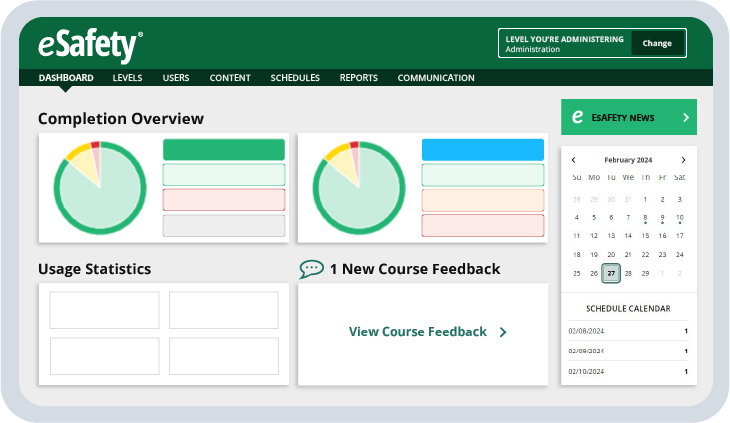
The new dashboard gives administrators a clear, at-a-glance view of completion overview information and items that may need attention. Links direct you to more information.
A Better User Experience
From streamlined navigation to faster load times, every aspect of the user experience has been improved. Whether you're an administrator in the system or an individual completing training, this upgrade is designed to get you where you need to go with fewer clicks.
Expiration Tracking
We know compliance includes more than just the training course. With Expiration Tracking, you can assign, track, and report on Licenses and Certifications within the system alongside classroom learning.
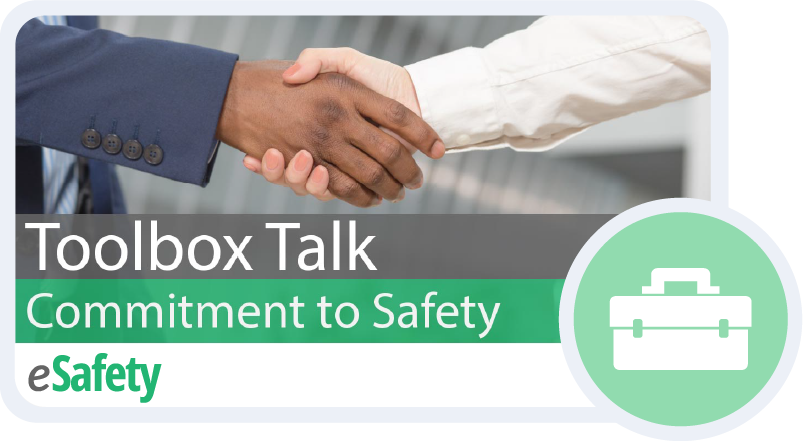
Introducing Toolbox Talks (TBT)
eSafety has expanded the content library to include a package of Toolbox Talks, previously accessible only through YouTube. Schedule and report on these short clips (3–5 min.) taken from our courses to use as refreshers, meeting starters, or specific reminders for your workforce.
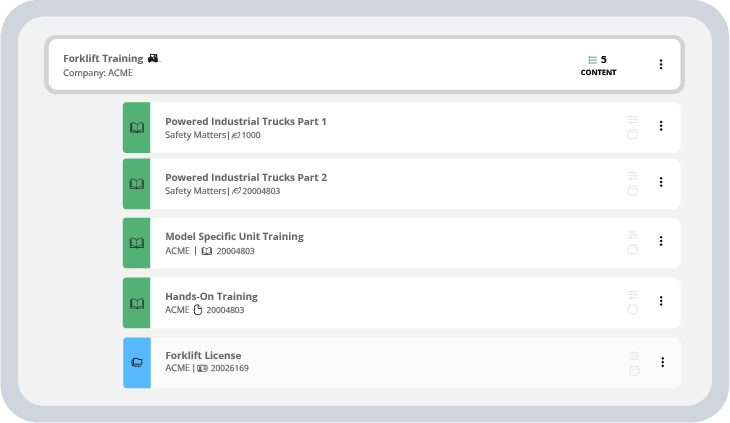
Content Bundles
Select a group of training to be scheduled, tracked, and reported on together! Bring classroom training, site-specific training, hands-on assessment, and license or certifications together for easier administrative tracking for forklift drivers, first responders, new hires, and more.
One Place to Manage All Training
Scheduling training has become even easier! Instead of going to a specific area; such as Levels, Users, or Courses to schedule based on training needs, you can now manage all schedules from one, centralized area! Take your training one step further by implementing new features like content bundles and user tagging, which will also be available in your scheduling options.
User Tags
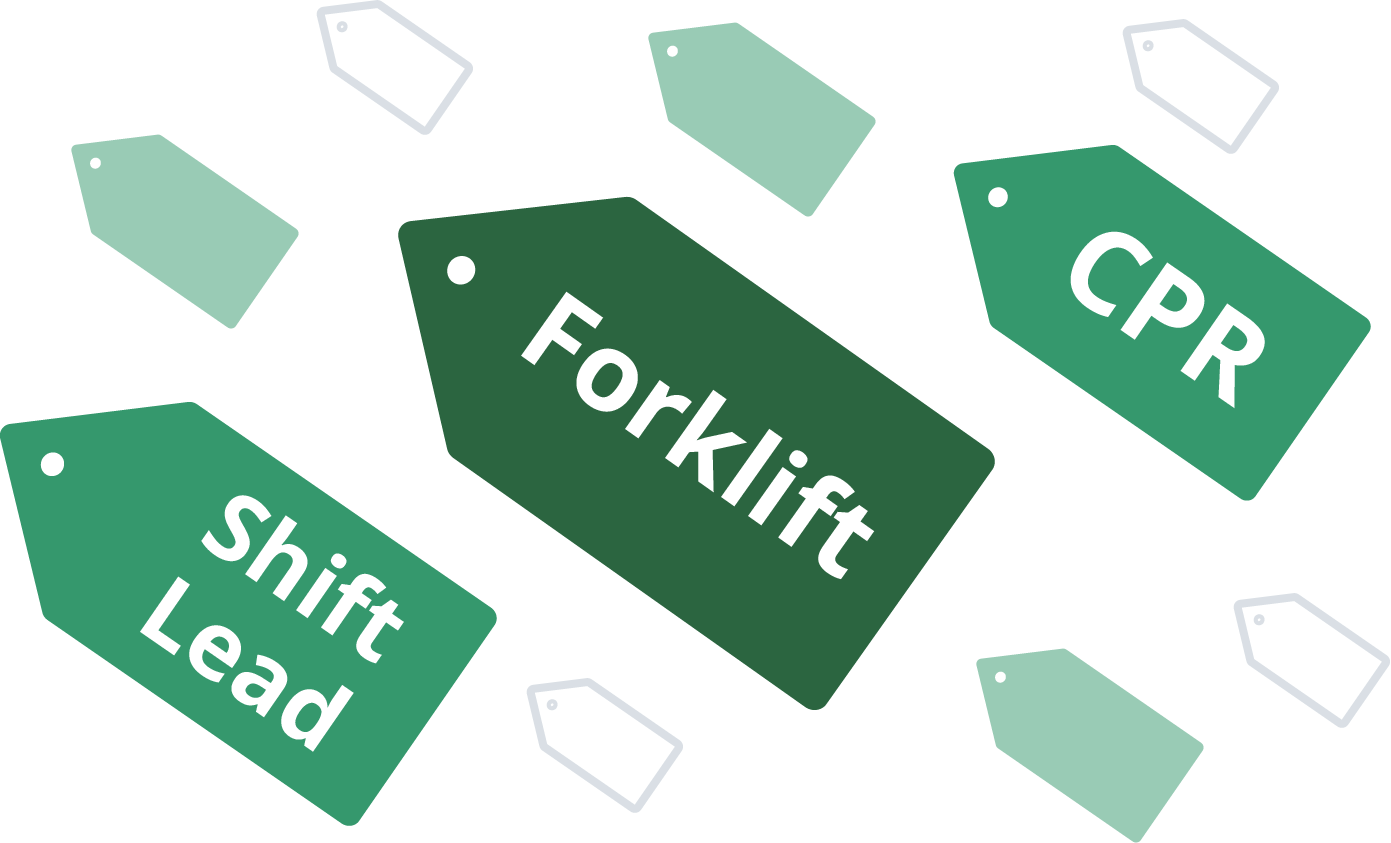
Create and assign custom tags for a flexible new way to search, schedule, and report on users with specific job roles or specialties. This feature works seamlessly with course bundles, and gives you the ability to schedule and report on training needs outside of your department structure.
Streamlined and Straightforward Reporting
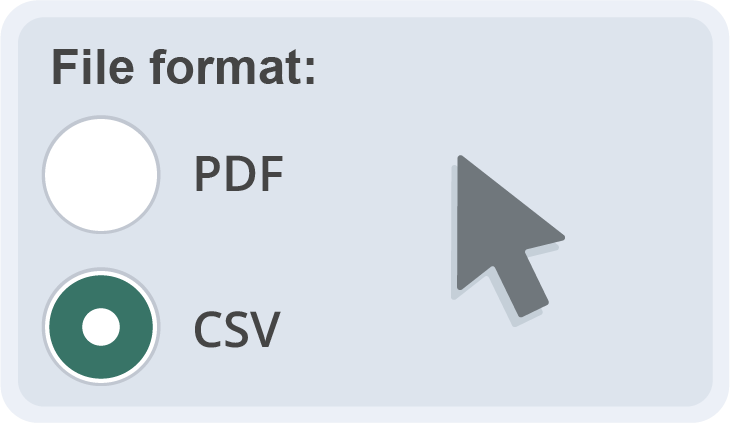
Build a report from our standard templates, save them as favorites to use again, and schedule as auto reports to have information sent to your email automatically. These are all the reporting features you’ve had available, but in a streamlined and straightforward way, giving you the ability to create one report and manage it for multiple departments or locations. The best part? All reports are now available in CSV format to download as a spreadsheet!
Your Safety Training Problems Solved

Track More Content Types
Schedule and report on all your eSafety Courses, Site-Specific Content, Toolbox Talks, and Expiration Tracking Items in one place! Add custom content by using our Course Builder, Upload feature, or SCORM option.

Additional Scheduling Features
We’ve created a single area to manage all training schedules, company-wide! Implement new features like user tagging and content bundles for added flexibility, brining you more ways to manage your training needs.

Streamlined and Team-based Reports
Have visibility to all report favorites for your site, based on Admin permissions, making information and internal communication more transparent and accessible. Our report features, such as templates, favorites, and the ability to send auto reports, have been streamlined with the option to download as a .CSV spreadsheet!

Enhanced User Experience
Enjoy our new, dedicated User and Admin dashboards, bringing you more onscreen visuals and an overall better online experience for both learner and Admin alike! Our Promise: Easy to use, easy to administer.
Frequently Asked Questions
How do I take advantage of new features?
The new features are automatically available to you, however, you can decide if and when to implement them. Get ready, you’re going to love them!
Is there an additional charge for V4?
No! System upgrades and new features are included in your active subscription. We are dedicated to continuous improvement and strive to provide you with the best training solutions!
Will this update impact any of my current settings?
All user profiles and training records will be intact and secure throughout the process of updating to V4. In addition, all of your current schedules and saved reports will remain active and available to all users.
Will there be any downtime?
Yes, there will be downtime. A full system upgrade requires the site to be down while we make changes. This will be scheduled over a weekend and communicated to you as early as possible. Please keep an eye on your inbox for more updates as we get closer to release.