

Hot Work Safety Training
20 Minutes
COURSE DESCRIPTION
Each year there are many examples of explosions and fires that devastate homeowners, business owners, families, and communities. For instance, one company suffered the complete loss of a two-story, 228,000 square foot building when roofers applying hot patch to the roof failed to follow hot work permitting and the required fire watch. Another incident caused the death of a 22-year old employee when the vapors inside the metal barrel he was cutting using a torch exploded. The one thing these disasters have in common is the failure to follow proper hot work procedures. Adhering to the elements of hot work as outlined in several different OSHA Standards saves lives, property and jobs.
COURSE OUTLINE
- Introduction
- Training Objectives
- What is Hot Work?
- Managing Hot Work
- Required Training
- Fire Hazards
- Physical Hazards (Arc Flashes)
- Hot Work Preparation
- Compressed Gas Cylinder Safety
- Fire Watch Requirements
- Fire Watch
- Hot Work Permits
- Confined Spaces
- Permit Criteria
- Summary
LEARN HOW OUR COURSE LIBRARY CAN FIT INTO YOUR WORKPLACE
Related Courses
More Courses You May Be Interested In
Our goal is to develop general awareness courses that create an interesting and interactive learning experience. Each course uses images, video, text and audio for full comprehension. All of our courses are designed by professionals with the ultimate goal of helping employees develop the knowledge they need to work safely.
 Contractor Safety Training
Contractors are increasingly being used in the workplace to perform multiple tasks ranging from building and construction to installation and maintenance. There are many risks associated with contractors who work...
Learn More → Compressed Gas Cylinder Safety
Compressed gas cylinders are used in many different industries and settings in the workplace. The proper handling, use and care of these cylinders are important to your safety and that...
Learn More → Industrial Fire Prevention
This program is intended to help you recognize fire hazards and introduce you to basic elements of preventing fires in the workplace.
Learn More → Fire Extinguisher Safety
This program is intended to introduce you to the basic elements of fire extinguisher use in case of fire in the workplace and techniques of fire preparedness. Each year fire...
Learn More →Solutions
What Solutions Do We Offer?
The eSafety platform delivers scalable safety training solutions for organizations of any size. Built by experts in safety and regulatory compliance, our powerful Learning Management System (LMS), comprehensive training content library, and Contractor Management System (CMS) tools make it easy to meet compliance requirements. With intuitive features designed for efficiency, eSafety helps keep everyone informed, compliant, and safe.
TRAINING
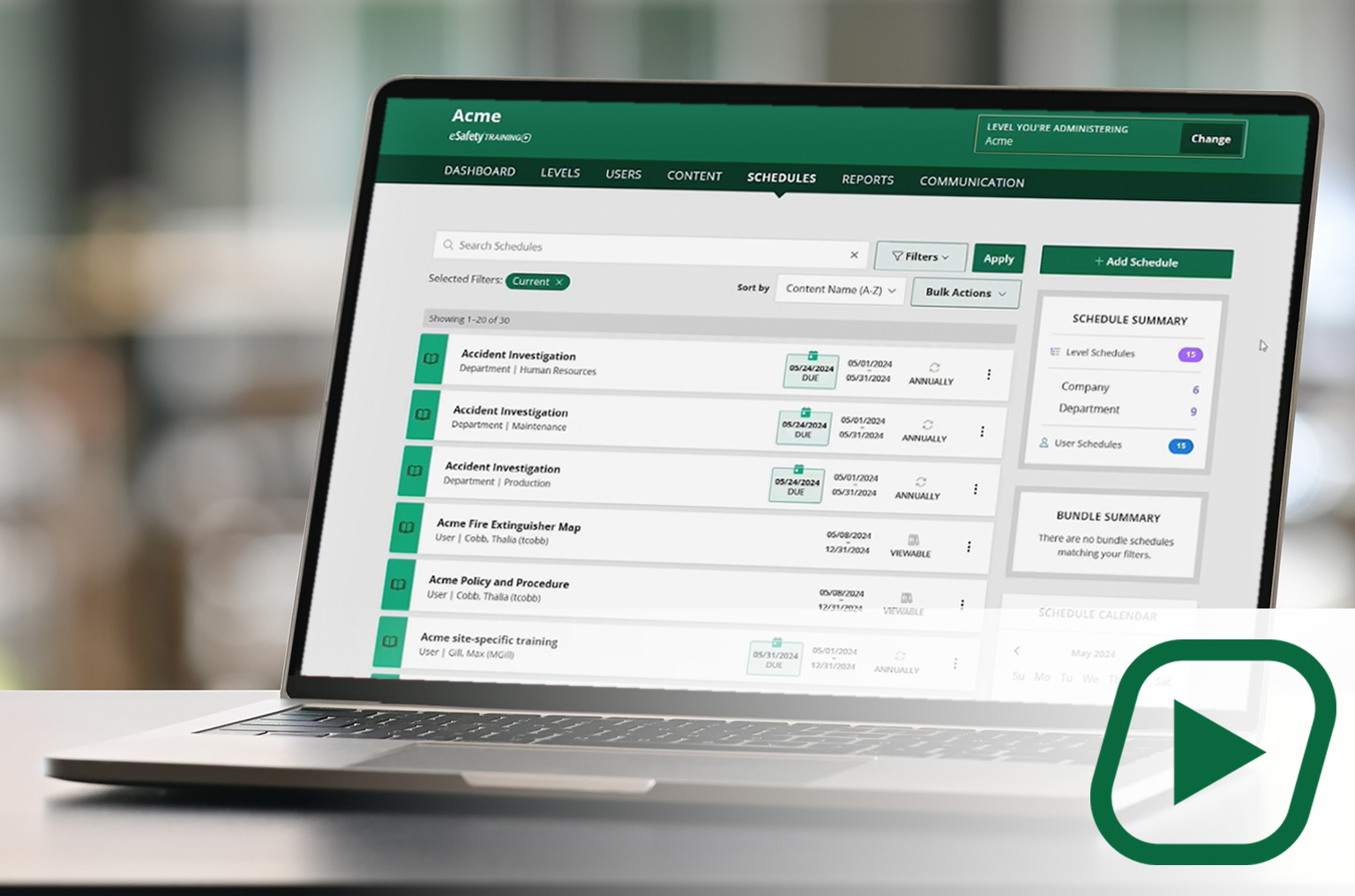
Our cornerstone learning management system (LMS) delivers a full library of compliant training content with intuitive features and capabilities to assign, track, and report on employee training.
✓Full content library
✓Schedule and manage training
✓Generate reports
CONTENT

A portal to select and download our content (courses) to be added to another LMS. A client gets a SCORM file to upload into the LMS they use. With an active key, course updates are automatic.
✓Select your course package
✓Download ready-made courses
✓ Receive automatic updates