

Medical PPE Training
20 Minutes
COURSE DESCRIPTION
This program will cover the most important points of selecting, using and maintaining medical personal protective equipment, also commonly called PPE, for the prevention of injury in a medical environment.
COURSE OUTLINE
- Introduction
- Medical Personal Protective Equipment
- Two Major Classes of Hazardous Material
- PPE Selection
- Universal Precautions
- Eye Protection
- Face Protection
- Head Protection
- Respiratory Protection
- Air Purifying Respirators
- Atmosphere Supplying Respirator
- Hearing Protection
- Gloves
- Environmental and Equipment Cleaning/Maintenance Gloves
- Medical Waste Handlers
- Vinyl Gloves
- Stretch Vinyl
- Nitrile Gloves
- Neoprene
- Protective Clothing
- Heat Resistant Padding and Clothing
- Radiation Protection
- Lead Aprons and Shields
- Foot Protection
- Summary
LEARN HOW OUR COURSE LIBRARY CAN FIT INTO YOUR WORKPLACE
Related Courses
More Courses You May Be Interested In
Our goal is to develop general awareness courses that create an interesting and interactive learning experience. Each course uses images, video, text and audio for full comprehension. All of our courses are designed by professionals with the ultimate goal of helping employees develop the knowledge they need to work safely.
 Biosafety Laboratory Awareness
This training has been developed to review biosafety levels (BSL), which is used to show the level of biocontainment precautions required to isolate dangerous biological agents in an enclosed laboratory...
Learn More → Bloodborne Pathogen Awareness
This training presentation is intended to cover the basic requirements of the bloodborne pathogen standard as required by the Occupational Safety and Health Administration (OSHA). This is a review of...
Learn More → Laboratory Safety Training
Lab workers use hazardous substances differently than other workers. Where industrial applications typically use large quantities of a few hazardous substances, labs use a wide variety of substances, but in...
Learn More → Respiratory Protection Training
This program is an overview of the general elements of an effective respiratory protection program to include the methods of selection, use, care, proper fit and medical clearance of respirators...
Learn More →Solutions
What Solutions Do We Offer?
The eSafety platform delivers scalable safety training solutions for organizations of any size. Built by experts in safety and regulatory compliance, our powerful Learning Management System (LMS), comprehensive training content library, and Contractor Management System (CMS) tools make it easy to meet compliance requirements. With intuitive features designed for efficiency, eSafety helps keep everyone informed, compliant, and safe.
TRAINING
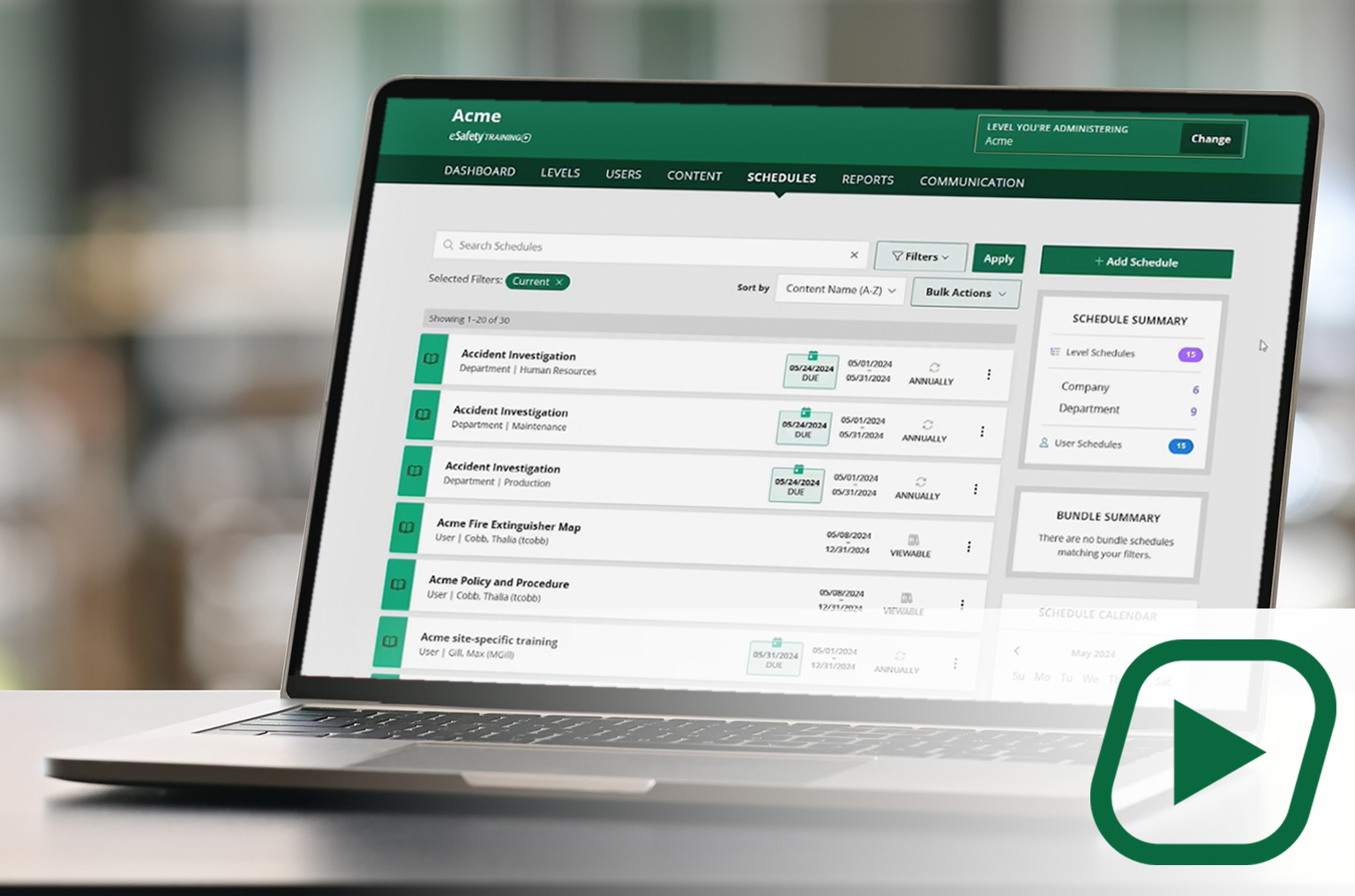
Our cornerstone learning management system (LMS) delivers a full library of compliant training content with intuitive features and capabilities to assign, track, and report on employee training.
✓Full content library
✓Schedule and manage training
✓Generate reports
CONTENT
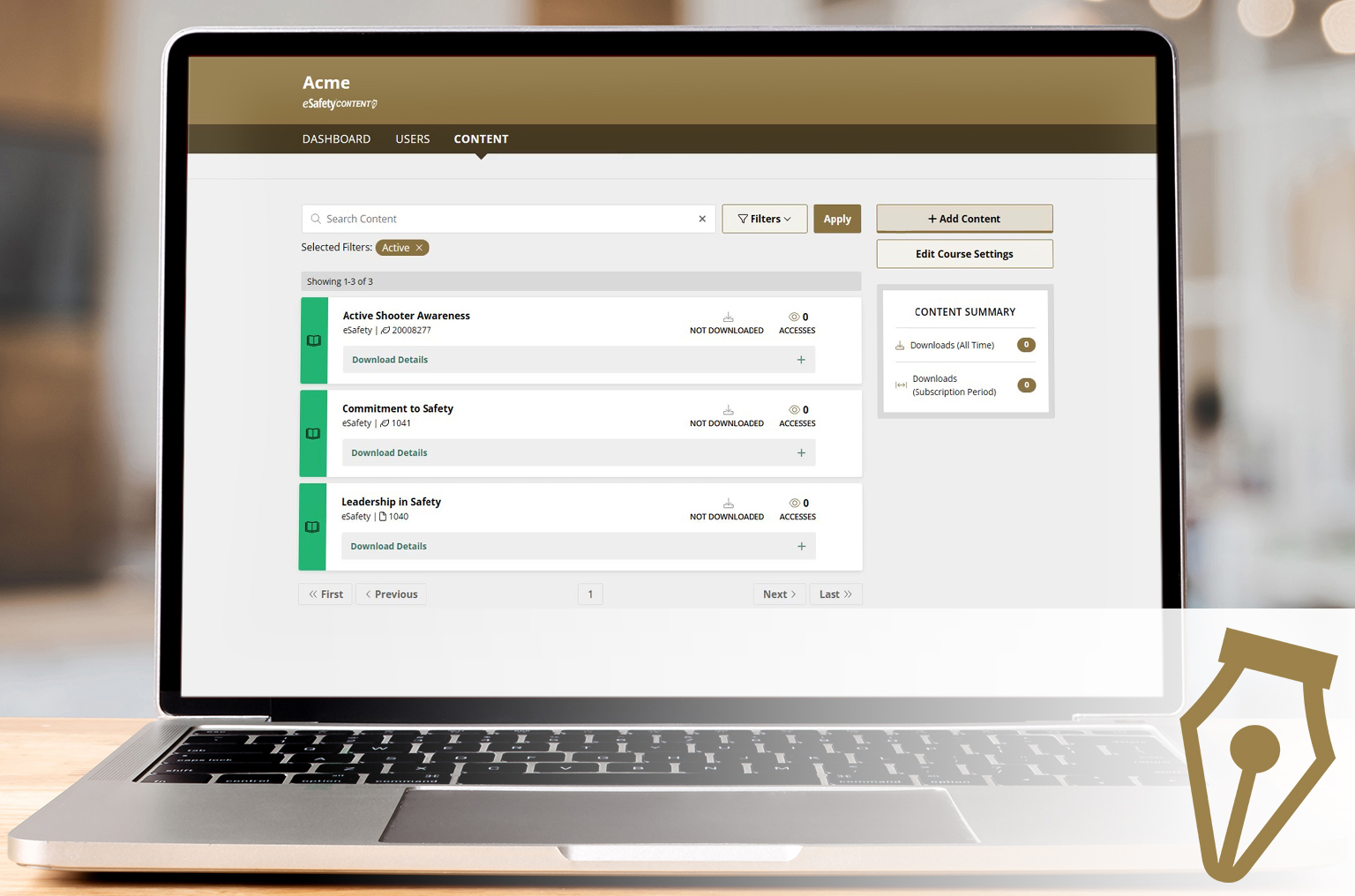
A portal to select and download our content (courses) to be added to another LMS. A client gets a SCORM file to upload into the LMS they use. With an active key, course updates are automatic.
✓Select your course package
✓Download ready-made courses
✓ Receive automatic updates