

Machine Guarding Training
30 Minutes
COURSE DESCRIPTION
Workers who operate and perform maintenance or set-up on machinery in the workplace are at risk of coming into contact with machine parts, processes, or other components. Unguarded or inadequately guarded machinery is a leading cause of workplace injuries. In this presentation, we will identify the hazards associated with working around machinery, determine which types of mechanical motion require safeguards, and highlight various methods of protection that may prevent injury or death.
COURSE OUTLINE
- Welcome
- Introduction
- Training Objectives
- Common Machine Hazards
- Hazardous Machine Components
- Machine Guarding Considerations
- Methods for Safeguarding Machinery
- Physical Barriers
- Devices
- Audible Warnings and Signs
- Additional Guarding Requirements
- Abrasive Wheel Equipment
- Training and Inspections
- Employees’ Role
- Summary
LEARN HOW OUR COURSE LIBRARY CAN FIT INTO YOUR WORKPLACE
Related Courses
More Courses You May Be Interested In
Our goal is to develop general awareness courses that create an interesting and interactive learning experience. Each course uses images, video, text and audio for full comprehension. All of our courses are designed by professionals with the ultimate goal of helping employees develop the knowledge they need to work safely.
 Electrical Safety
This program is intended as an overview of basic electrical safety for individuals with limited electrical training who as a part of their work, may be potentially exposed to electrical...
Learn More → Walking-Working Surfaces
The Walking-Working Surfaces standard can be viewed from the perspective of two major categories: One relates to the hazards associated with falls at the same level; and the other relates...
Learn More → Confined Space Entry Training
This two-part training course on confined space reviews the basic requirements of the Occupational Safety and Health Administration, known as OSHA, for entering permit required confined spaces along with ANSI/ASSP...
Learn More → Lockout/Tagout
This training course will review the requirements of the Lockout/Tagout regulation under OSHA 29 CFR 1910.147. This program will also cover the various types of active and stored energy sources...
Learn More →Solutions
What Solutions Do We Offer?
The eSafety platform delivers scalable safety training solutions for organizations of any size. Built by experts in safety and regulatory compliance, our powerful Learning Management System (LMS), comprehensive training content library, and Contractor Management System (CMS) tools make it easy to meet compliance requirements. With intuitive features designed for efficiency, eSafety helps keep everyone informed, compliant, and safe.
TRAINING
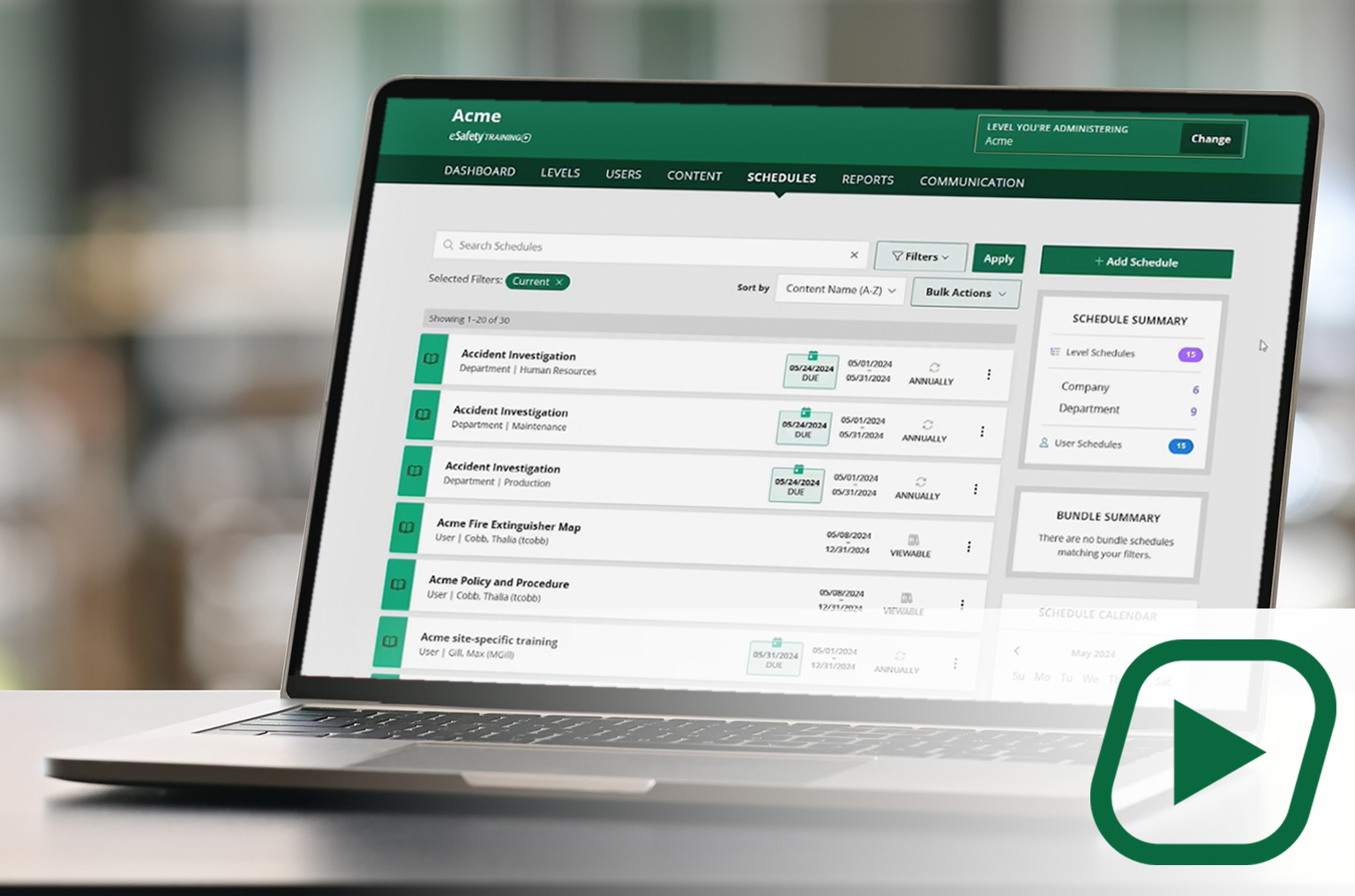
Our cornerstone learning management system (LMS) delivers a full library of compliant training content with intuitive features and capabilities to assign, track, and report on employee training.
✓Full content library
✓Schedule and manage training
✓Generate reports
CONTENT

A portal to select and download our content (courses) to be added to another LMS. A client gets a SCORM file to upload into the LMS they use. With an active key, course updates are automatic.
✓Select your course package
✓Download ready-made courses
✓ Receive automatic updates