

Cut and Puncture Prevention
20 Minutes
COURSE DESCRIPTION
In this presentation, we will discuss various causes of cuts and punctures in the workplace and prevention methods employers and employees can use to reduce or eliminate cut and puncture injuries. The objective of this training session is to review cut and puncture hazards and present effective solutions that can be used to successfully reduce or eliminate your risk of being cut or punctured while working.
COURSE OUTLINE
- Welcome
- Introduction
- Training Objectives
- Hazard Assessments
- Use Engineering Controls
- Placement of Controls to Protect the Worker
- Implement Controls at the Worker Level
- Personal Protective Equipment
- Tool Selection
- Safe Work Procedures and Practices
- Injury Care
- Summary
LEARN HOW OUR COURSE LIBRARY CAN FIT INTO YOUR WORKPLACE
Related Courses
More Courses You May Be Interested In
Our goal is to develop general awareness courses that create an interesting and interactive learning experience. Each course uses images, video, text and audio for full comprehension. All of our courses are designed by professionals with the ultimate goal of helping employees develop the knowledge they need to work safely.
 Hand and Power Tool Safety
In this presentation, we will discuss various known hazards associated with the use of hand and power tools and methods you can apply to avoid disabling injuries especially to the...
Learn More → Machine Guarding Training
Workers who operate and perform maintenance or set-up on machinery in the workplace are at risk of coming into contact with machine parts, processes, or other components. Unguarded or inadequately...
Learn More → Material Handling Safety
This course has been developed to introduce you to the basic elements of material handling. Material handling is one of the leading causes of work-related injuries. Each year thousands of...
Learn More → Personal Protective Equipment
The proper use of PPE is essential in the workplace to minimize the risk of injury and illness. The number of injuries in the workplace that could have been prevented...
Learn More →Solutions
What Solutions Do We Offer?
The eSafety platform delivers scalable safety training solutions for organizations of any size. Built by experts in safety and regulatory compliance, our powerful Learning Management System (LMS), comprehensive training content library, and Contractor Management System (CMS) tools make it easy to meet compliance requirements. With intuitive features designed for efficiency, eSafety helps keep everyone informed, compliant, and safe.
TRAINING
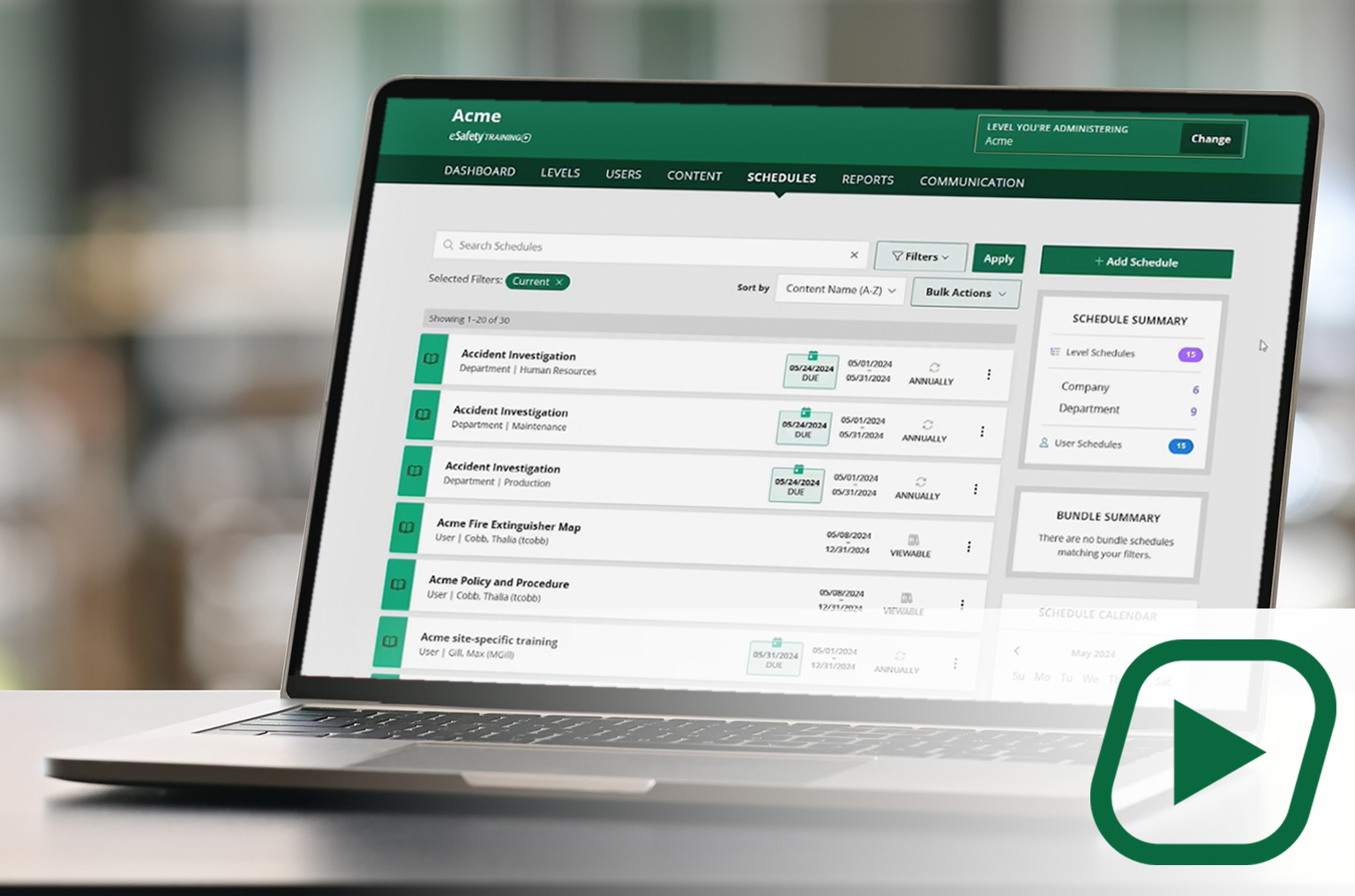
Our cornerstone learning management system (LMS) delivers a full library of compliant training content with intuitive features and capabilities to assign, track, and report on employee training.
✓Full content library
✓Schedule and manage training
✓Generate reports
CONTENT
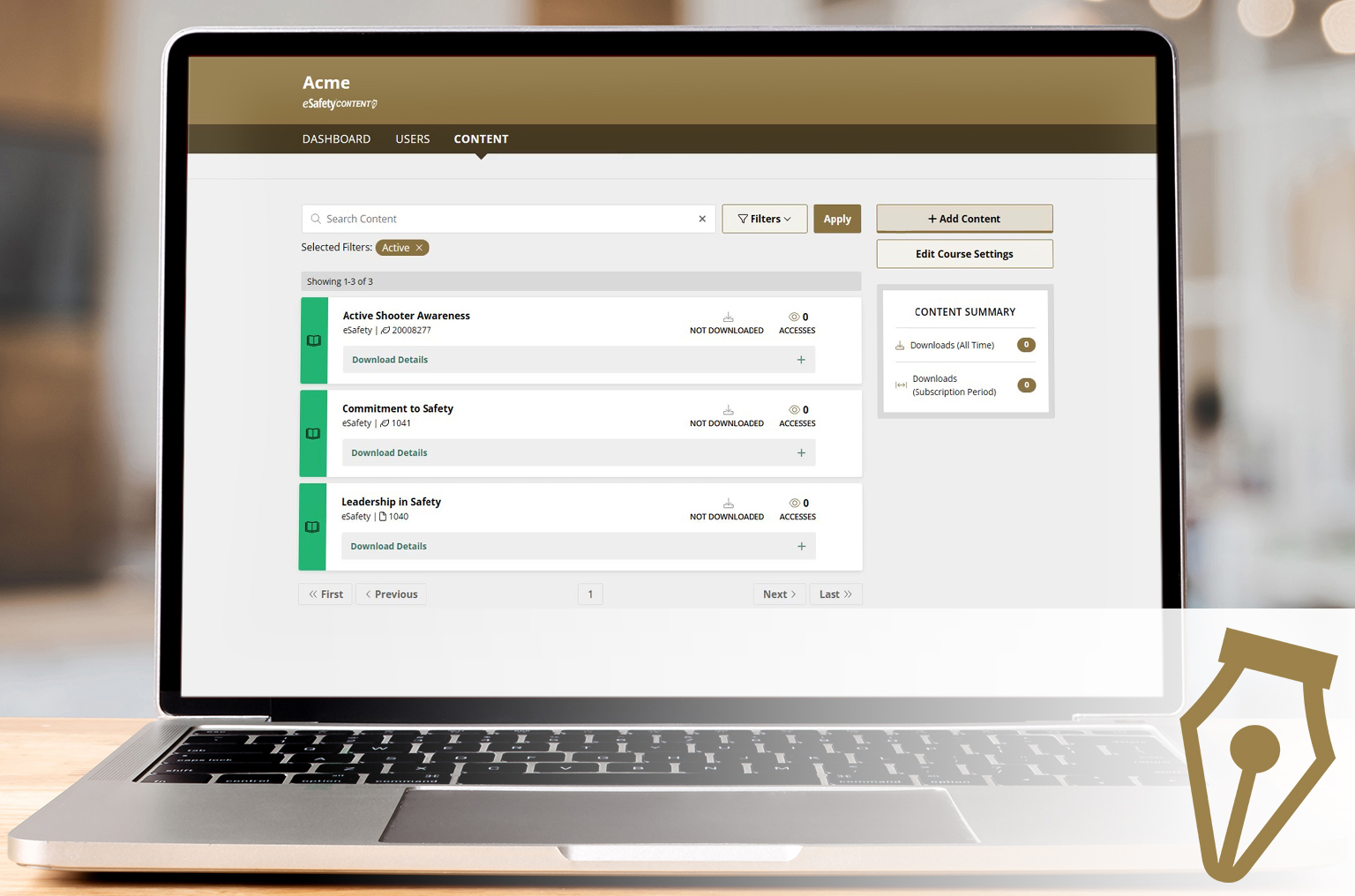
A portal to select and download our content (courses) to be added to another LMS. A client gets a SCORM file to upload into the LMS they use. With an active key, course updates are automatic.
✓Select your course package
✓Download ready-made courses
✓ Receive automatic updates